Don’t overspend on VR gear for live 360° streams. Find the practical setup that delivers real immersion without the price tag — or the technical headaches.
The “Good Enough” VR Setup for Live 360° Streams: Debunking the Hype
Here’s what the marketing won’t tell you: the thing most likely to ruin your live 360° VR experience isn’t your headset, it’s your router. The industry has done a masterful job convincing viewers that the latest hardware is the price of admission, when in reality, most users are held back by factors a hardware upgrade won’t touch: source stream quality, network stability, and basic software configuration.
Quick Answer: For live 360° VR streams, a mid-range headset paired with a wired Ethernet connection outperforms expensive hardware on a congested Wi-Fi network, every time. Prioritize connection stability and correct headset calibration before spending on premium specs. The bottleneck is almost never your headset.
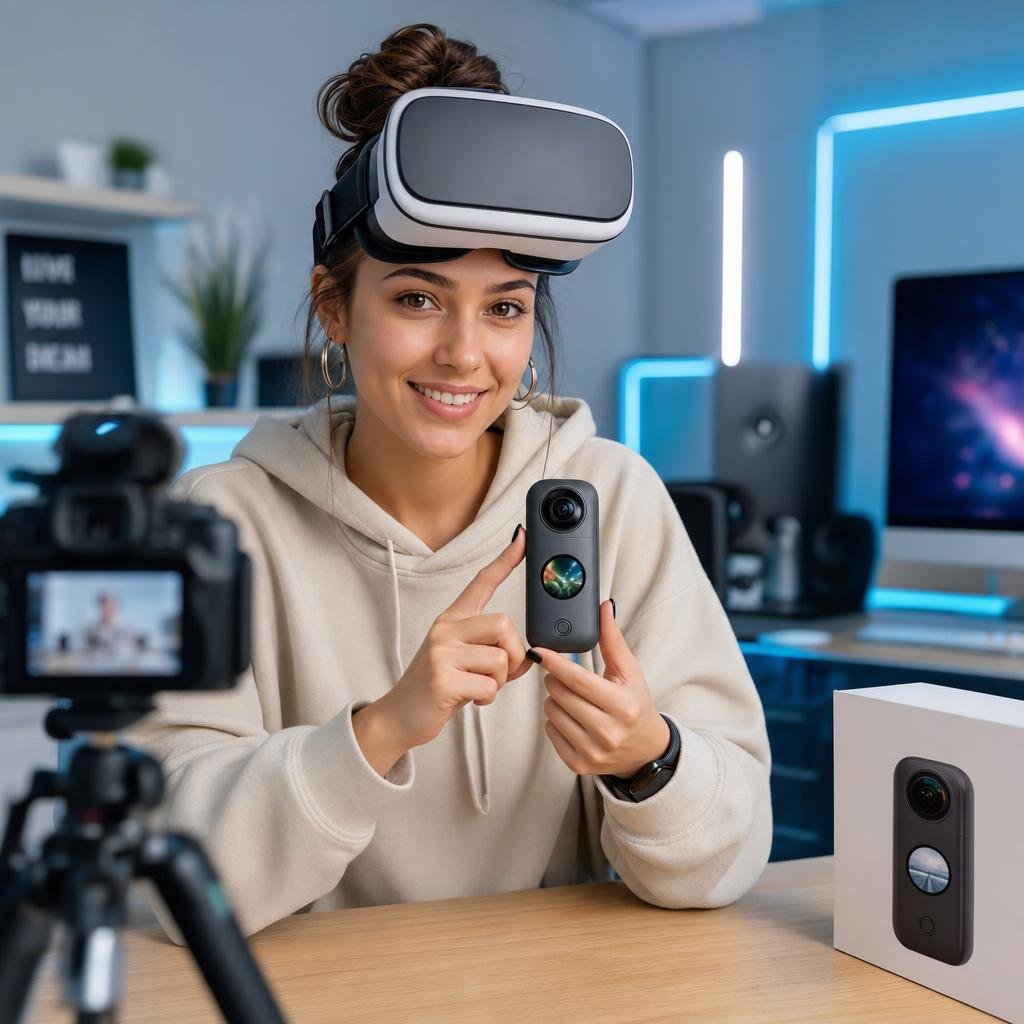
Understanding True Compatibility: Beyond Raw Specs
Headset resolution gets all the attention, but it’s only one piece of the puzzle. Refresh rate, field of view, and lens clarity shape your sense of presence just as much, often more. Compatibility isn’t simply about which cables fit which ports. It’s about how your hardware, streaming platform, and operating system work together under real conditions.
Stable internal tracking and a comfortable physical fit do more to reduce motion sickness and improve a live session than any spec sheet entry. A well-configured mid-range headset will frequently outperform a flagship model that’s poorly adjusted or just wrong for the individual wearing it. It sounds obvious, but it’s the most consistently overlooked variable in the whole equation.
The internet is full of debates about field-of-view measurements. Inside the stream, nobody’s thinking about that, they’re reacting to what’s in front of them. That’s where engagement lives, and no spec wins it.
The Minimalist’s Setup Checklist for 360° VR
You don’t need a high-end gaming rig. A decent mid-range PC, or a standalone device like the Meta Quest 2 or 3, handles real-time immersive streams with room to spare. What matters far more is your connection. Use a wired Ethernet cable whenever possible, Wi-Fi introduces latency and packet loss, and both are immersion killers the moment they appear.
Always prioritize a wired Ethernet connection over Wi-Fi for live 360° VR streams to minimize latency and packet loss, which are major immersion killers.
Optimizing your local network is one of the highest-return investments you can make. Keep your software drivers and platform applications current, too. The first 15 minutes of any live VR session has a way of becoming a frustrating battle with update prompts and login screens, getting ahead of that is half the preparation.
Real Bottlenecks: Where Streams Fail (It’s Not Always Your Headset)
The best headset on the market cannot salvage a stream with poor lighting at the source or a stuttering upload connection on the performer’s end. Stream quality is a chain: the performer’s camera, their upload speed, the platform’s compression algorithms, and your download speed all feed into it. Your headset sits at the end of that chain, and it’s rarely the weakest link.
Frame rate stability and low latency do more for the feeling of presence than resolution ever will. A smooth lower-resolution stream feels more real than a sharp, stuttering one, full stop. This is the law of diminishing returns in practice: the gap between a $300 headset and a $1, 000 headset is real, but for compressed live 360° content, it’s rarely transformative. An unstable frame rate, on the other hand, destroys immersion almost instantly.
What Platform Reliability Actually Looks Like (And What It Doesn’t)
For newcomers navigating the technical anxiety of getting started, understanding what makes a platform genuinely reliable matters as much as knowing which headset to buy. Seamless immersion is the promise, but technical friction is often the reality, and most platforms prefer not to acknowledge that gap. the promise of live VR cam girls streaming in 360°.
There’s also a subtler dynamic at play on the content side. Viewers want authenticity, but the technology creates pressure for a polished, heavily engineered performance that only appears effortless. Performers broadcasting live 360° VR content typically invest as much time mastering their technical setup as they do their performance itself, that behind-the-scenes effort is invisible by design.
A genuinely reliable platform demonstrates its trustworthiness through consistent stream uptime, transparent buffering indicators, and predictable reconnection behavior when your connection dips. What it doesn’t look like: platforms that mask compression artifacts with aggressive sharpening filters, or that report “HD” quality while delivering heavily degraded equirectangular video. Knowing the difference helps you evaluate platforms before committing to one.
One mechanism worth understanding is how platforms convert real currency into site-specific credits. This system is designed to create psychological distance between spending and its real-money equivalent, a common monetization pattern across subscription and tipping platforms. Recognizing it for what it is helps you maintain a clearer sense of what you’re actually paying for and avoid impulse overspending within a session.
Optimizing Your VR Experience: A Decision Framework for ‘Good Enough’
Choosing a setup for live 360° streams means balancing budget, performance, and practicality, not chasing the most impressive spec list. The goal is efficiency for the actual task. Time and again, viewers overspend on high-end PCVR rigs only to find the bottleneck was never the hardware. The tension between wanting the best possible experience and the technical complexity required to achieve it shapes more user journeys than the industry likes to admit.
Note: Hardware recommendations in the table below are based on typical compressed 360° stream playback benchmarks at 4K equirectangular resolution. Individual results will vary depending on platform encoding, network conditions, and headset firmware.
| Factor | ‘Good Enough’ Approach | ‘Bleeding Edge’ Approach | Why ‘Good Enough’ Wins for Live 360° Streams |
| Headset Resolution | Comfortable 1080p, 1440p per eye, stable refresh rate (72, 90Hz). | 4K+ per eye, 120Hz+, wide field of view. | Higher resolution often burdens the GPU/CPU and internet bandwidth without a proportional gain in perceived quality for compressed live streams. |
| Internet Connection | Wired Ethernet (25Mbps+ download, 5Mbps+ upload minimum). | High-speed Wi-Fi 6E/7, dedicated gaming modem. | Low latency and consistent bandwidth from a wired connection dramatically reduce stuttering and buffering, far more important than peak speeds from Wi-Fi. |
| PC/GPU Power | Mid-range CPU (Ryzen 5 / i5 equivalent), RTX 20/30 series or RX 6000 series GPU. | High-end CPU (Ryzen 9 / i9 equivalent), RTX 40 series or RX 7000 series GPU. | Live 360° streams are less graphically intensive for client-side rendering than AAA VR games. Investing beyond mid-range PC power offers diminishing returns for stream playback. |
| Audio Setup | Integrated headset audio with spatial tracking, or comfortable wired headphones. | High-fidelity external headphones with dedicated spatial audio processing. | Clear, directional audio that tracks with head movement is essential. Premium headphones add nuance, but good integrated spatial audio is typically sufficient to reinforce presence. |
| Comfort/Fit | Properly adjusted straps, balanced weight, correct IPD setting. | Aftermarket elite straps, counterweights, custom face gaskets. | Discomfort breaks immersion completely. Ergonomic accessories can help, but correct strap adjustment and IPD calibration are free, and deliver the most significant improvements. |
Common Mistakes to Avoid
Do not confuse platform credit systems with real value. Track your spending in real-money terms to avoid impulse overspending during VR sessions.
- Buying headset resolution you can’t stream to. A 4K-per-eye headset cannot display a 4K stream if your connection or the platform’s encoding can’t deliver it. Match your hardware ceiling to what the platform actually outputs.
- Using Wi-Fi and blaming the headset. Most reported “headset stuttering” issues are Wi-Fi packet loss. Run a wired connection before drawing any conclusions about hardware performance.
- Skipping IPD calibration. An incorrectly set interpupillary distance causes eye strain within minutes and makes even a premium headset feel broken. Calibrate it first, every time.
- Ignoring driver and firmware updates. Outdated platform software is a leading cause of compatibility failures. Update before your session, not during it.
- Confusing platform credit systems with value. Spending in platform credits obscures real cost. Track spending in real-money terms to maintain accurate budget control.
Conclusion: Practicality Over Perfection
The most expensive headset in your price range won’t rescue a weak source stream or a congested home network. That’s the insight most hardware marketing is quietly invested in obscuring. Before upgrading your gear, understand the full chain, from the performer’s camera to your own connection, and find the actual weak point. In most cases, it isn’t what you’d expect.
A stable, comfortable, low-latency setup consistently outperforms a technically superior one that’s been poorly configured. That’s not settling for less. That’s spending smart. what you actually see on a live 360° VR cam stream.
What to Do Next
Before upgrading any hardware, test your connection and properly calibrate your headset. These simple steps often resolve most issues and are the highest-return adjustments you can make.
- Test your connection first. Run a wired Ethernet speed test and check for packet loss before assuming your headset is the problem. Tools like Ping Plotter or your router’s built-in diagnostics will show instability that a basic speed test misses.
- Calibrate your headset properly. Adjust IPD, strap balance, and lens distance before your next session. This takes under five minutes and is the single highest-return adjustment most users never make.
- Audit your platform choice. Check whether your current platform reports stream quality transparently and maintains consistent uptime. If it masks quality issues rather than disclosing them, consider alternatives.
- Resist the hardware upgrade until you’ve eliminated the network variable. If your experience is still poor after a wired connection and correct calibration, then review your GPU and CPU against the mid-range benchmarks in the table above.
Frequently Asked Questions
What is the most important factor for a good live 360° VR stream?
Connection stability, particularly a wired Ethernet connection, is more important than expensive VR headset hardware for a good live 360° VR stream experience. Source stream quality and correct software configuration also play significant roles.
Do I need a high-end VR headset for live 360° streams?
No, a mid-range VR headset like the Meta Quest 2 or 3 is usually sufficient. High-end headsets offer diminishing returns for compressed live 360° content, as the bottleneck is rarely the headset itself.
Why is a wired Ethernet connection recommended over Wi-Fi for VR streaming?
Wi-Fi introduces latency and packet loss, which can severely break immersion in live VR streams. A wired Ethernet connection provides more stable and consistent bandwidth, crucial for a smooth experience.
What does IPD calibration mean and why is it important?
IPD stands for interpupillary distance, which is the distance between the centers of your pupils. Correctly calibrating this on your VR headset prevents eye strain and ensures the most comfortable and immersive viewing experience.
How can I diagnose stuttering issues in my VR stream?
Before blaming your headset, test your internet connection with a wired Ethernet cable and check for packet loss using tools like Ping Plotter. Many ‘headset stuttering’ issues are actually due to network instability.